Configuration module
Features and functions of the Configuration module
Essential for customizing the system to match organizational needs, standards, and workflows. It provides administrators and authorized personnel the ability to configure settings without coding changes.
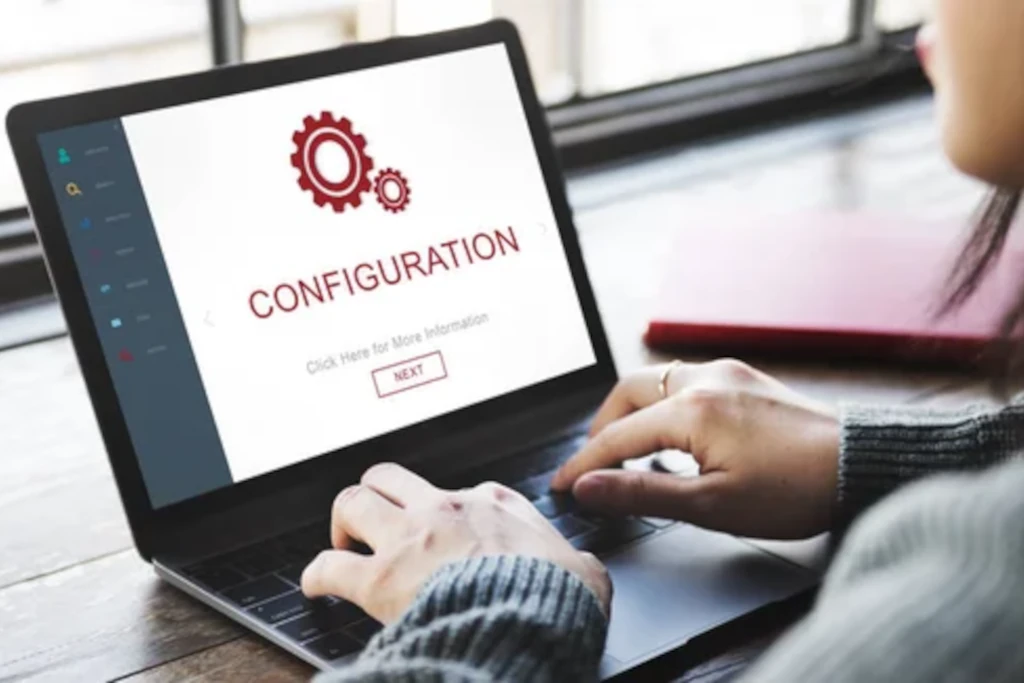
Key Features of the Configuration Module
1) User & Role Management
- Role-Based Login: Client-specific credentials with controlled permissions.
- Multi-Project Dashboard: View all assigned projects in one place.
2) Approval Workflow Setup
- Multi-Level Workflow Configuration: Technician → Supervisor → QA → Client.
- Role-Based Permissions: Define access levels for modules (Operations, QA, Client, etc.).
- Approval Authority Setup:Assign sign-off authority by role or certification level.
3) Equipment & Calibration Settings
- Equipment Master Database: Add/remove NDT instruments and accessories.
- Calibration Schedule Rules:Configure calibration frequency per equipment type.
4) Data & Document Settings
- File Storage Options.
- Password: Complexity, expiration, and reset rules.
- Audit Loging: Configure depth of activity tracking (who, what, when).
5) Performance & Analytics Dashboard
- Inspection Summary Reports: Completed jobs, defects found, pass/fail ratios.
- Defect Trend Analysis: Identify recurring issues across projects.
- Turnaround Time Metrics: Time taken from job start to final report.
6) Security & Access Control
- Project-Based Access: Clients can only see their own jobs.
- Document Watermarking: For confidential report protection.